

Where Are Your Photos Hiding?
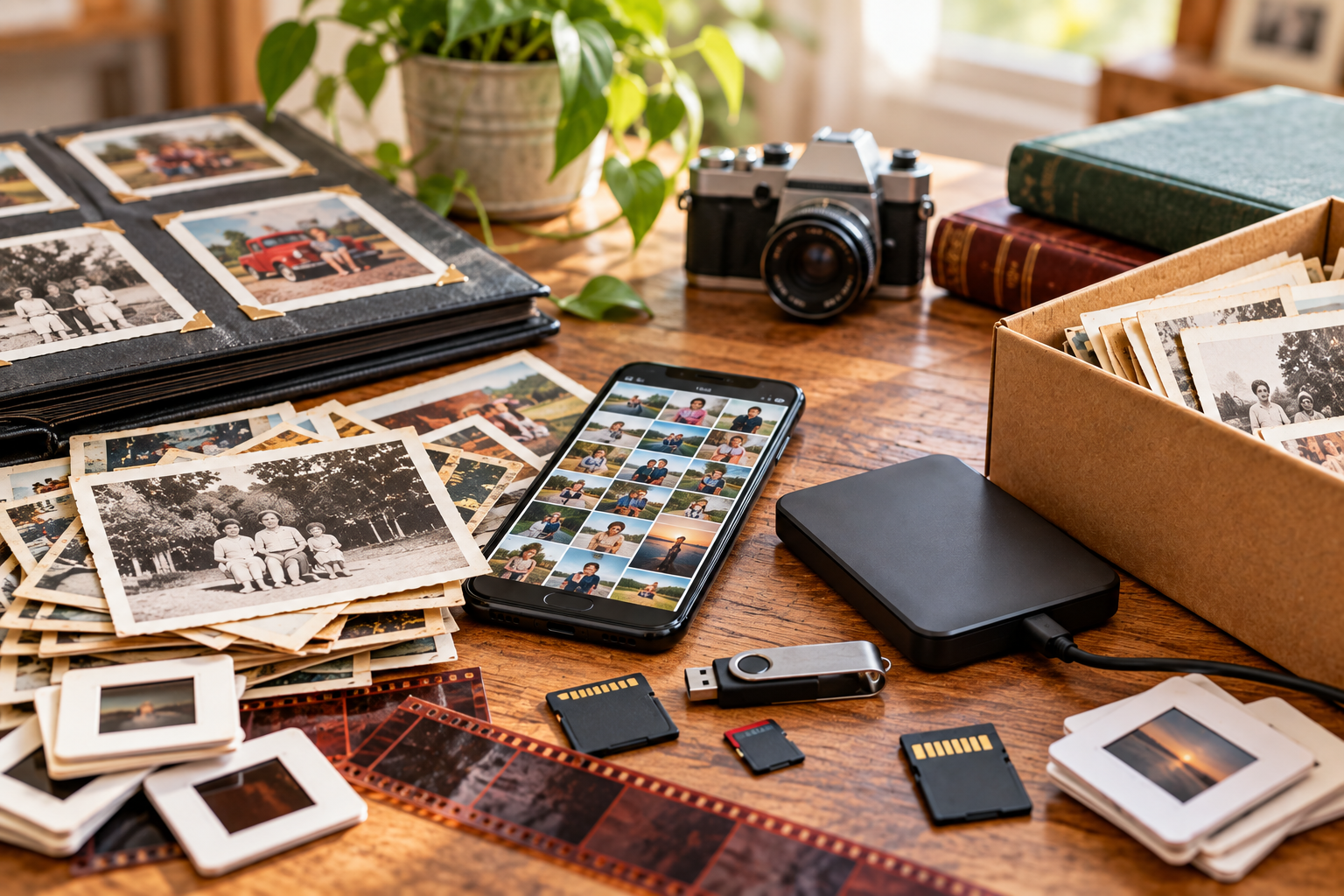
Save Your Photos Month is almost over. Perhaps you've used September to back up your phone, scan a few old prints, add names to pictures, or learn more about protecting your collection.
Or perhaps the month simply got away from you. That's okay. There is still one useful step you can take before September ends:
Figure out where everything is.
You don't need to organize, sort, or scan anything yet. For now, just find out where your photos are hiding.
Your Photos May Be in More Places Than You Think
Most of us don't have one neat photo collection stored in one place. Instead, pieces of it end up on different devices, tucked into boxes and albums, stored online, or forgotten in places we haven't checked in years.
You may know about the albums on the bookshelf and the pictures on your current phone. But what about the old laptop in the closet or the memory card still sitting in a camera?
That's why it's worth taking inventory. Once you have a better idea of what you have and where it is, it's much easier to recognize what your biggest photo pain point actually is.
For now, though, we're just looking for what you have.
Start With a Simple Photo Inventory
This doesn't need to be complicated, and you don't need an exact photo count.
Walk through your home and think through your devices and online accounts. As you go, jot down where you find photos, what is there, about how much you have, and anything you want to remember about it.
For example:
Hall closet — Three boxes of printed photos, mostly from the 1980s and 1990s.
Old laptop — Digital photos, amount unknown. Need to find the charger.
Bookshelf — Six family photo albums.
Cloud account — Phone photos and videos. Need to check what's actually there.
That's really all you're doing—creating a simple record of where pieces of your collection are located.
I've created a Simple Photo Inventory you can download and use as you go. It includes space to record what you find, along with a checklist of some of the places you might want to look.
Download the Simple Photo Inventory
Don't worry about whether something is organized, backed up, duplicated, or in the right place. You can make those decisions another day.
Right now, you're simply finding out what you have.
Don't Forget the Digital Hiding Places
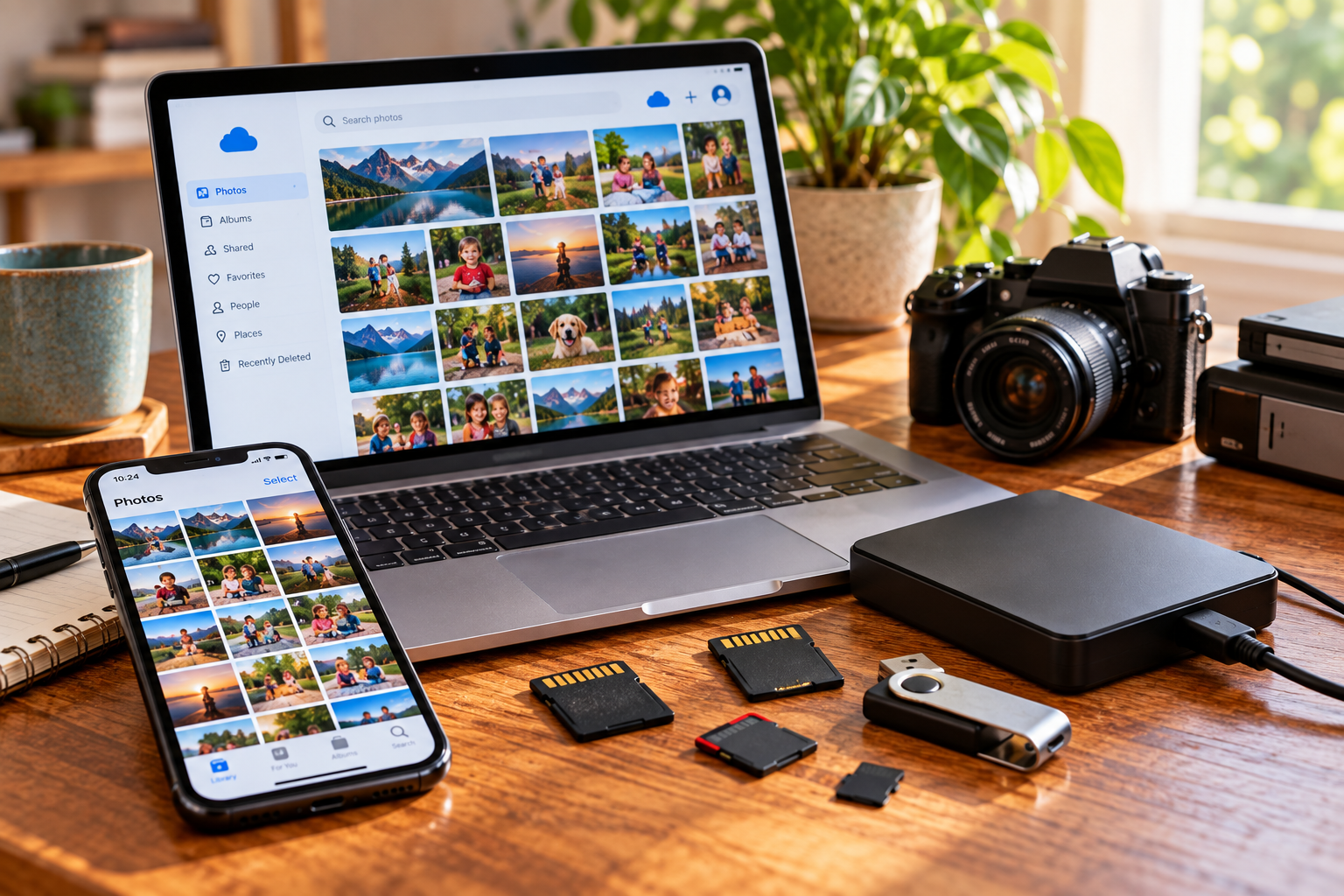
Digital photos can be some of the easiest to overlook. Unlike a box of prints taking up space in a closet, thousands of images can sit unnoticed on a device or in an account you rarely use.
As you make your inventory, think beyond the phone and computer you use today. Check old phones and tablets, previous computers, external hard drives, USB drives, memory cards, CDs and DVDs, and any cloud accounts you've used over the years.
Then think about places where photos may be stored even though you never considered them part of your collection—email attachments, text and messaging apps, and social media accounts.
You don't need to download or move anything yet. If you find another source, simply add it to your inventory and keep going.
Then Look for the Printed Photos
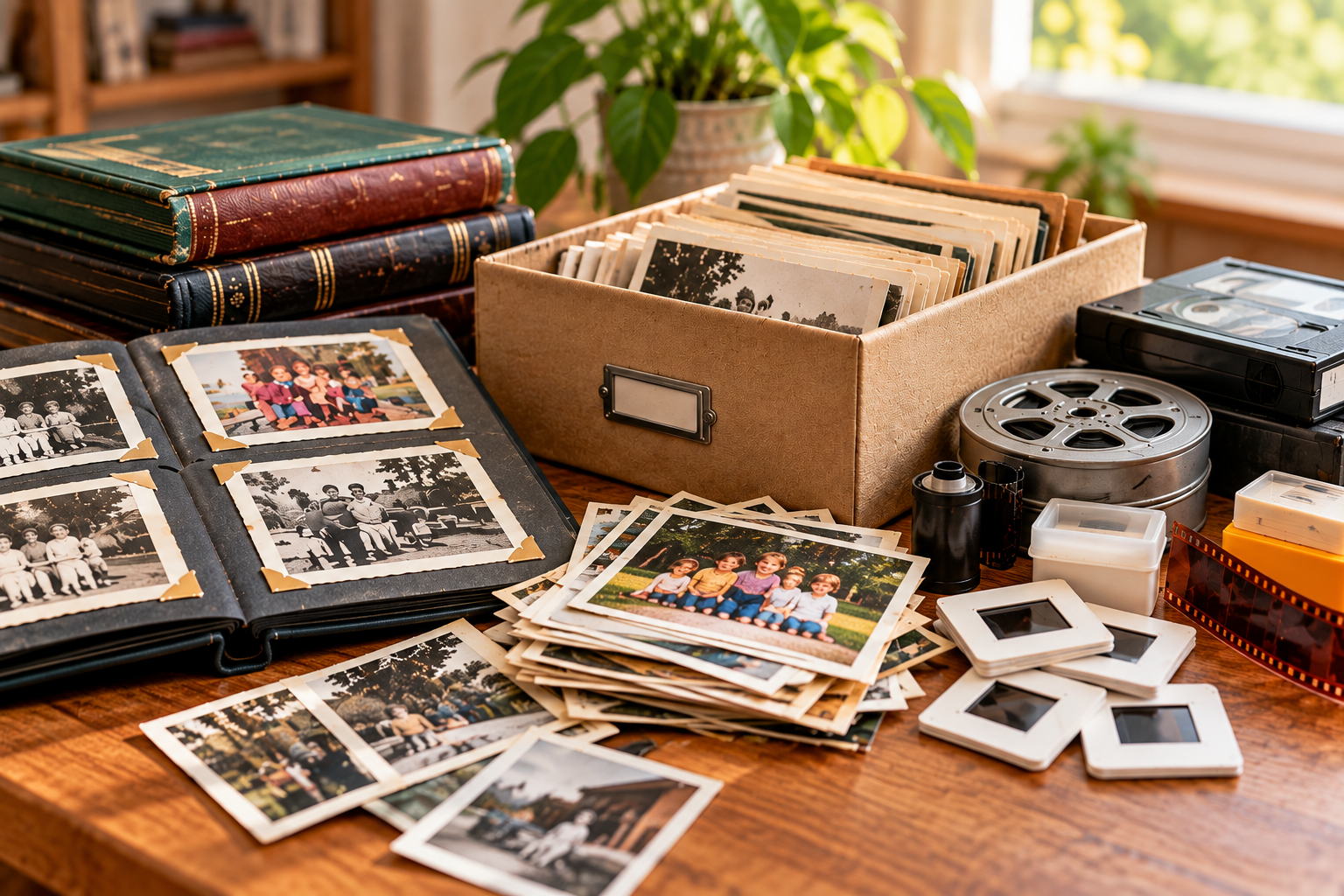
Printed photos are usually easier to see, but that doesn't mean they're all together.
You may have albums on a shelf, framed pictures around the house, envelopes tucked into drawers, or boxes and storage bins that haven't been opened in years. Don't forget about scrapbooks or collections that came to you from parents, grandparents, or other family members.
Again, there's no need to pull everything out and start sorting.
If you know there are four photo boxes on the top shelf of a closet, write down four photo boxes — bedroom closet and move on.
At this point, knowing where they are is enough.
Don't Forget the Other Family Media
Your family's memories may be stored in more than photographs.
Look for slides and negatives, home movies, VHS tapes, camcorder tapes, DVDs, film, and other older formats you may have collected or inherited over the years.
You don't need to know what's on every tape or identify every roll of film. If you find a box of old home movies, simply add the box and its location to your inventory.
These may not be the things you think of first when you hear “photo collection,” but they're still part of your family's collection and worth including.
Resist the Urge to Start Organizing
This may be the hardest part.
You open a box just to see what's inside, find a photograph you haven't seen in twenty years, and before you know it, you're sitting on the floor surrounded by albums, envelopes of negatives, and piles of loose photos.
It's easy to get sidetracked.
For now, try to resist the temptation to sort, organize, scan, or start making piles. Make a note of what you found and where you found it, then keep going.
There will be time to come back to those photos later. The goal right now is simply to finish your inventory without turning it into a much bigger project.

One Last Save Your Photos Month Step
Save Your Photos Month may be coming to an end, but caring for your photos doesn't have to end with September. And you certainly don't need to have your entire collection organized, scanned, backed up, and preserved before October arrives.
If you haven't accomplished as much as you hoped this month, making an inventory is still a worthwhile step. Even a simple list can give you a much clearer picture of the collection you've accumulated over the years.
And once you know what you have and where it is, you have the information you need to begin figuring out your photo pain points and what you'd eventually like to do about them.
For now, though, your inventory is enough.
Save it somewhere you can find it, and come back to it when you're ready for the next step.
