

How to Break Your Photo Piles Into Smaller Groups
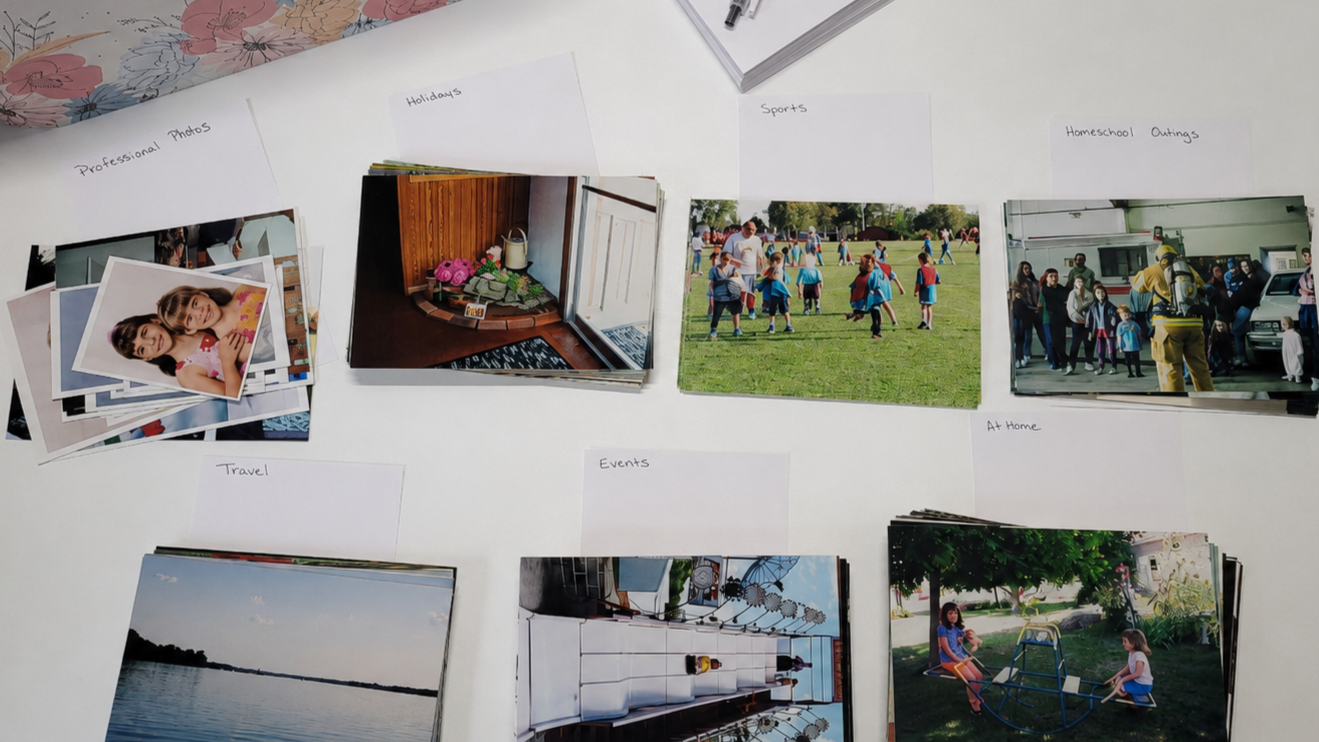
Start small, remove what you do not need, then group the remaining photos into broad categories that make sense to you.
In the last couple of blogs , we talked about starting small with your photos instead of trying to organize everything at once.
First, you may have chosen one small stack, one album, one box, or even a handful of photos to look through while sitting in your favorite chair. The goal was not to organize everything perfectly. It was simply to clear away the obvious clutter — blurry photos, duplicates, extra scenery shots, photos you do not recognize, or pictures that no longer feel worth keeping.
Then, once you had a smaller group of photos left, we talked about sorting them into broad categories. You may have made simple piles for things like Christmas, birthdays, vacations, school photos, a certain year, a certain child, or photos that need more information. A note card with a label was enough to keep each group together.
Now you can take one of those broad groups and make it a little more specific.
You are not starting over. You are not pulling out every photo you own. You are just choosing one group and asking, “Would it help to break this down a little more?”
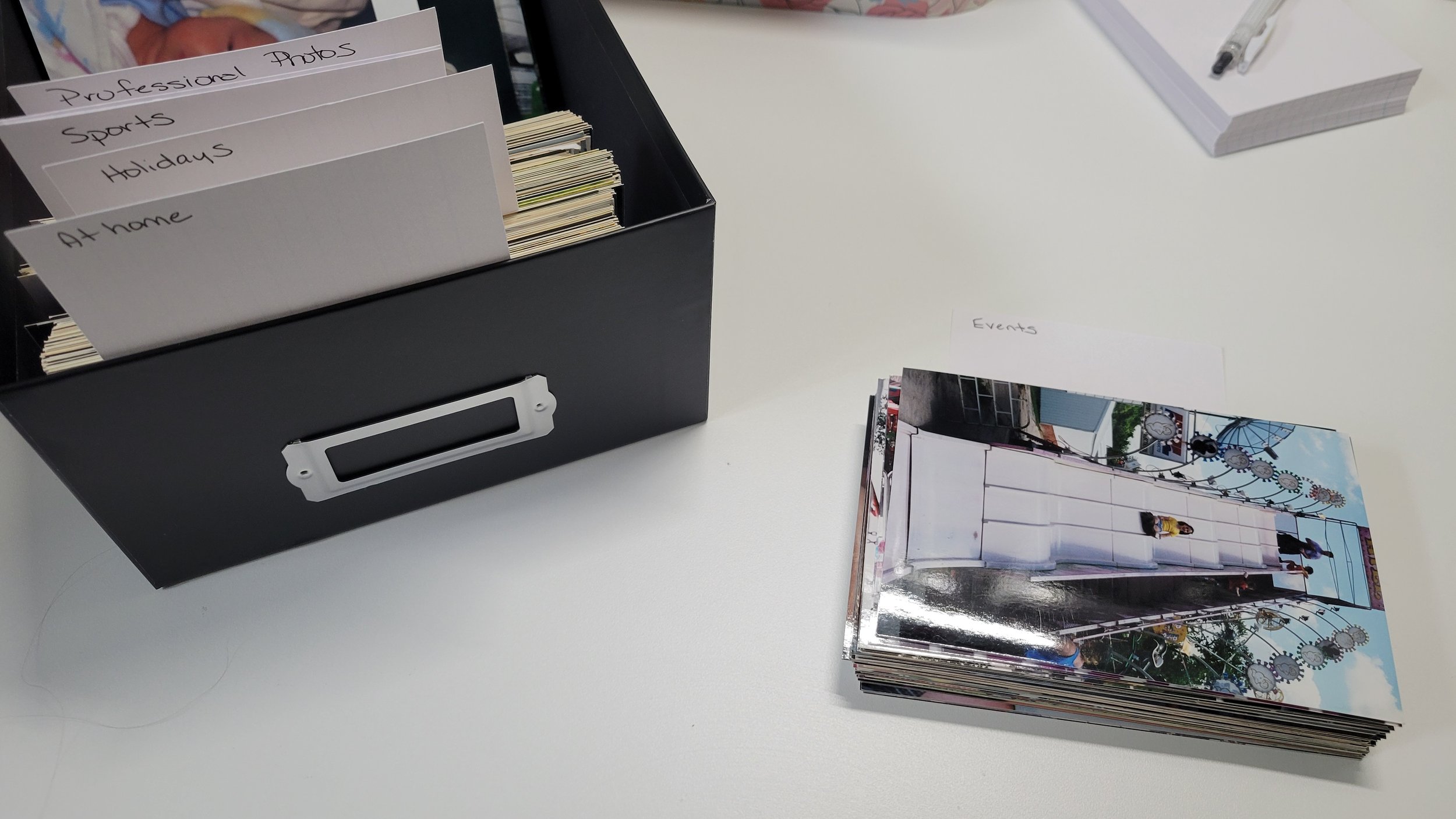
Start with broad categories, then break each photo pile into smaller groups as needed.
Start with one broad category
Choose one group you have already made.
Maybe it is a pile labeled Birthdays. Maybe it is Christmas, Vacations, School, 1985, or Mom’s family.
You do not have to work with every category at once. Just pick one.
If you are working through one box of printed photos, stay with that box. If you are working through one album, stay with that album. This process works best when you keep the section small enough to handle.
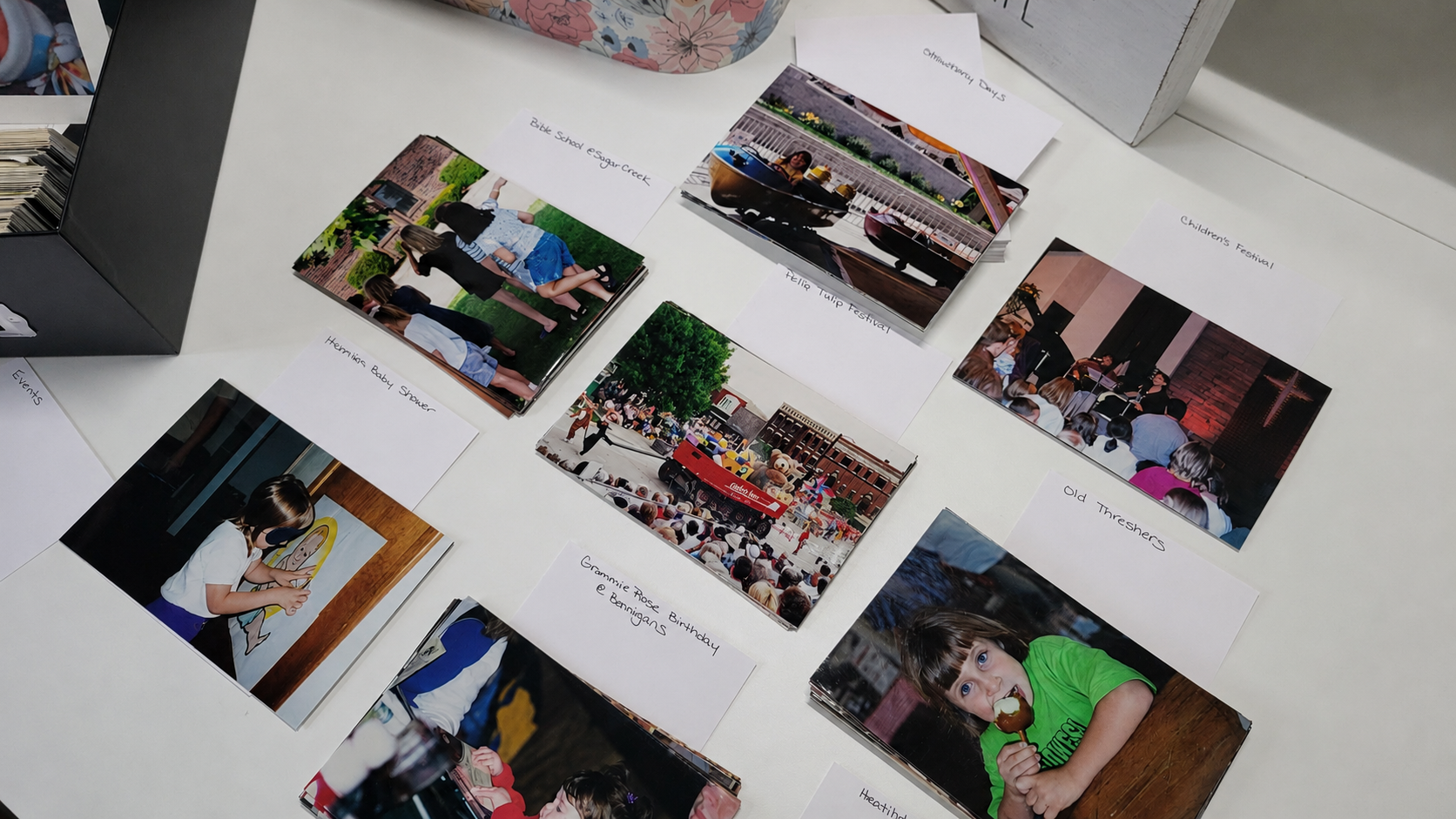
Once your photos are in broad categories, you can break one pile into smaller groups that make sense to you.
Decide what smaller groups make sense
Once you choose one broad category, look through the photos and see if smaller groups naturally appear.
A Birthday pile might be sorted by child, year, decade, or photos that need more information.
A Christmas pile might be sorted by year, location, Christmas morning, family gathering, or unknown dates.
A Vacation pile might be sorted by trip, location, year, or type of trip.
There is no one right way to do this. The right way is the one that makes your photos easier to understand later.
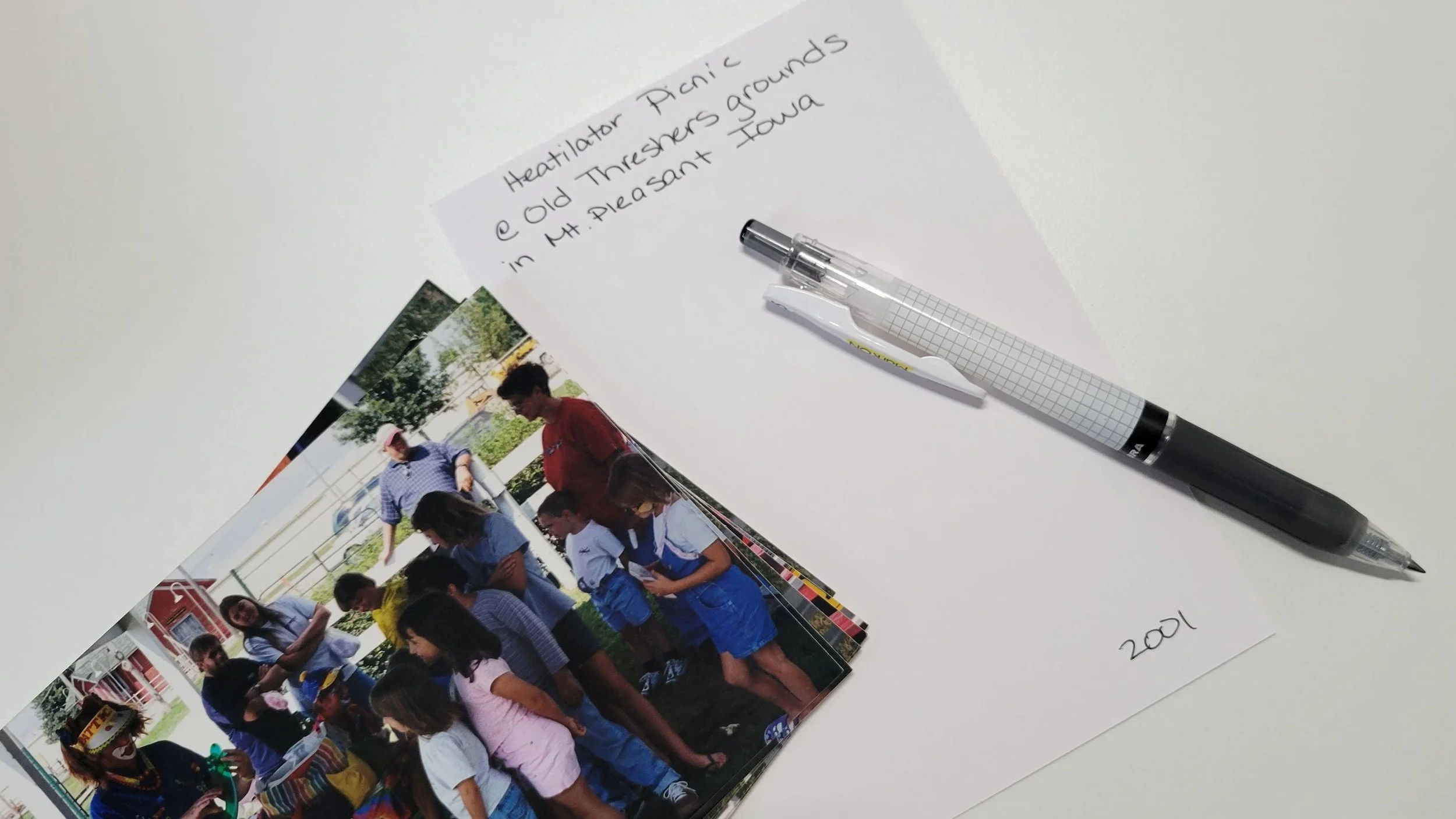
A simple note card can help you label what you know and keep each smaller group together.
Use note cards again
You do not need special supplies for this step.
A simple note card or piece of paper can become your label. Write down the smaller category and place those photos behind it.
For example:
Christmas 1985
Trip to Colorado
Need help identifying
These labels do not have to be perfect. They are simply helping you keep the photos grouped while you work.
If you are not sure about the year or the people in the photos, write what you do know. Something like Christmas — unknown year or Birthday — need help identifying is still useful.
Only break the group down if it helps
You do not have to keep making smaller and smaller piles just because you can. Sometimes a broad category is enough.
If you are happy with one group labeled Christmas, you can stop there. If you want to separate Christmas by year, family, or location, you can do that too.
The goal is not to create a perfect system. The goal is to make your photos easier to find, understand, and enjoy.
Repeat the same step with the next group
Once one category feels a little clearer, you can move to another one.
You might break down your birthday photos today and save vacations for another day. Or you might finish one box, put it away, and repeat the same process with the next box later.
This is something you can do over and over: Clear out the obvious clutter. Sort what is left into broad categories.
Choose one broad category and break it into smaller groups if needed.
That is how a photo collection becomes less overwhelming — not all at once, but one small section at a time.
A little progress still counts
You do not have to know every date. You do not have to recognize every person. You do not have to finish every box before you can feel good about what you have done.
Each time you make one group clearer, your photos become a little easier to manage.
And little by little, those piles start to make sense.
