

After You’ve Cleared the Clutter… What Comes Next?
Simple next steps to help you move forward—without feeling overwhelmed again.
You’ve deleted the duplicates.
You’ve cleared out the blurry photos.
You’ve let go of the ones that didn’t really mean anything.
Maybe you’ve done that on your phone…
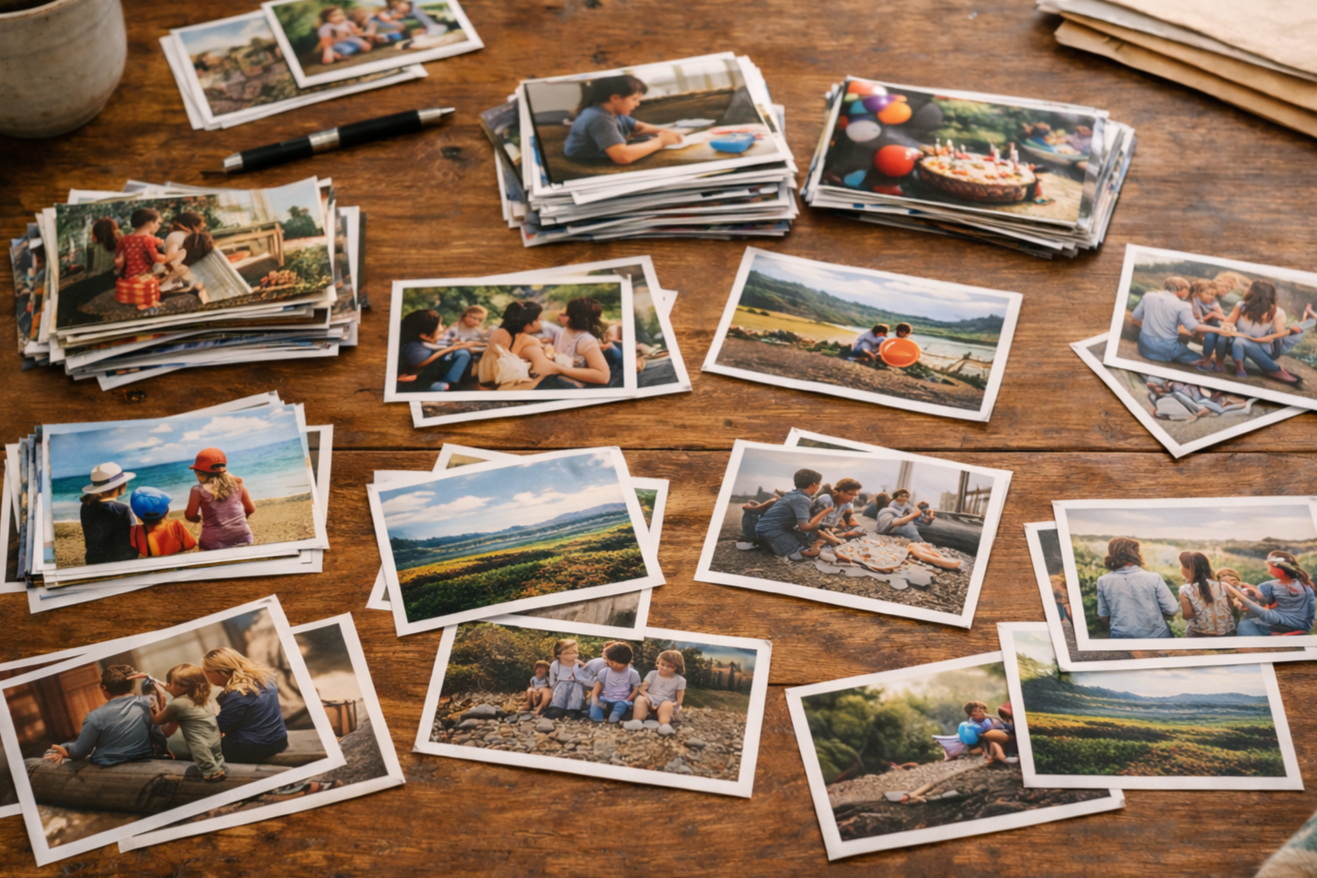
or with a box of printed photos spread out on the table.
And now… You’re looking at what’s left thinking:
“Okay… now what?”
Because even after clearing the clutter, it can still feel like a lot.
Not in the same way as before— but in a quieter, more lingering way.
Why It Can Still Feel Overwhelming
At this point, it’s not really about too many photos anymore.
It’s about not knowing what to do with them.
Whether they’re sitting in folders on your computer…
or stacked in small piles on your table…
there’s no structure yet. No clear next step.
No sense of what “finished” is supposed to look like.
So everything still feels like one big, undefined pile.
And when there’s no direction… it’s easy to stop again.
A Gentle Next Step (What This Can Actually Look Like)
Instead of trying to figure everything out… just start by grouping what you already have.
Not perfectly. Not in final form.
Just in a way that makes sense to you.
For some people, that might be by year.
But for others—myself included—it doesn’t work that way at all.
When I go looking for a photo, I’m not thinking:
“What year was that?”
I’m thinking:
👉 “That was Christmas.”
👉 “That was a family vacation.”
👉 “That was just a regular day at home.”
So when I went through my printed photos, that’s exactly how I grouped them.
Christmas
Family vacations
Everyday at home
Church events
Older family or ancestor photos
If I could recognize the moment… it had a place.
How This Keeps It From Feeling Overwhelming

Once everything was in those simple groups…
I didn’t try to tackle all of it.
I chose just one.
The rest?
I set aside.
I would take a note card, write something like:
Christmas
Vacation
At Home
Birthday Parties
…and place it upright in a box with those photos behind it.
Then I picked just one group to work on next.
That was it.
Not everything.
Just one.
This Works for Digital Photos Too
This same idea works just as well digitally.
You might not use note cards…
…but you’re still grouping in a way that makes sense to your brain.
Because the truth is:
Not everyone thinks in timelines.
Some people prefer everything in order by year.
Others think in moments.
In memories.
In meaning.
And that’s okay.
You can always organize more chronologically later…
But first, it needs to make sense to you.

A Simple Way to Move Forward
Once your photos are grouped…
you’re no longer looking at everything all at once.
You’re just looking at one small piece at a time.
From there:
Group → Choose → Keep
And move on when you’re ready.
What You Can Let Go Of (Again)
You don’t need perfect folders
You don’t need to label everything right now
You don’t need a full system yet. You’re allowed to keep this simple.
A Different Way to Look at It
You’re not just organizing photos anymore.
You’re starting to see your memories take shape.
Little by little, it begins to feel:
More meaningful
More intentional
More clear
You don’t have to figure everything out today. You just need a next step that feels manageable. Because that’s what keeps you going.
